GPT Image 2.6 – GIFs, SVGs and markup edits
GPT Image 2.6 is OpenAI's newest image model, released on November 4, 2026 as Flare and Sunburst. It adds animated GIFs, SVG output, markup edits and a complexity setting. One 1024×1024 image at low quality costs about $0.021 on the Standard route, and a failed render costs nothing.
- Text to image
- Edits with up to 16 references
- Markup and mask edits
- Animated GIF
- SVG output
- Complexity control
Run GPT Image 2.6 here first
Pick Flare or Sunburst and a billing route, then make a still, an animated GIF or an SVG, or edit your own images. The form sends the same fields as the API.
gpt-image-2.6-flare$0.021 /image
Generate from a prompt or edit reference images. Submit once; results appear when the task completes.
required · up to 32,000 characters
Reference images for image-to-image and editing. Files are uploaded and sent as URLs; on Official IDs each one adds image input tokens.
Let the model choose the image dimensions.
auto or WIDTHxHEIGHT · custom sizes supported
Reference images for image-to-image and editing. Files are uploaded and sent as URLs; on Official IDs each one adds image input tokens.
default auto · low, medium, high, xhigh or max
1 to 10 · default 1
auto, opaque or transparent · JPEG cannot be transparent
default png
Choose JPEG to set compression.
default auto
Greyed-out options relax content filtering. They are available through the API only, not in the playground.
how much the model plans · low, medium or high · default high
Choose GIF output to set this.
Choose GIF output to set this.
Choose SVG output to set this; one image per request.
Choose SVG output to set this; one image per request.
Reference images for image-to-image and editing. Files are uploaded and sent as URLs; on Official IDs each one adds image input tokens.
optional · a stable ID for your end user · up to 128 characters
Estimates cover still images: the per-image price, or OpenAI's token calculator for the -official IDs. GIF and SVG have no estimate. The final charge follows actual usage.
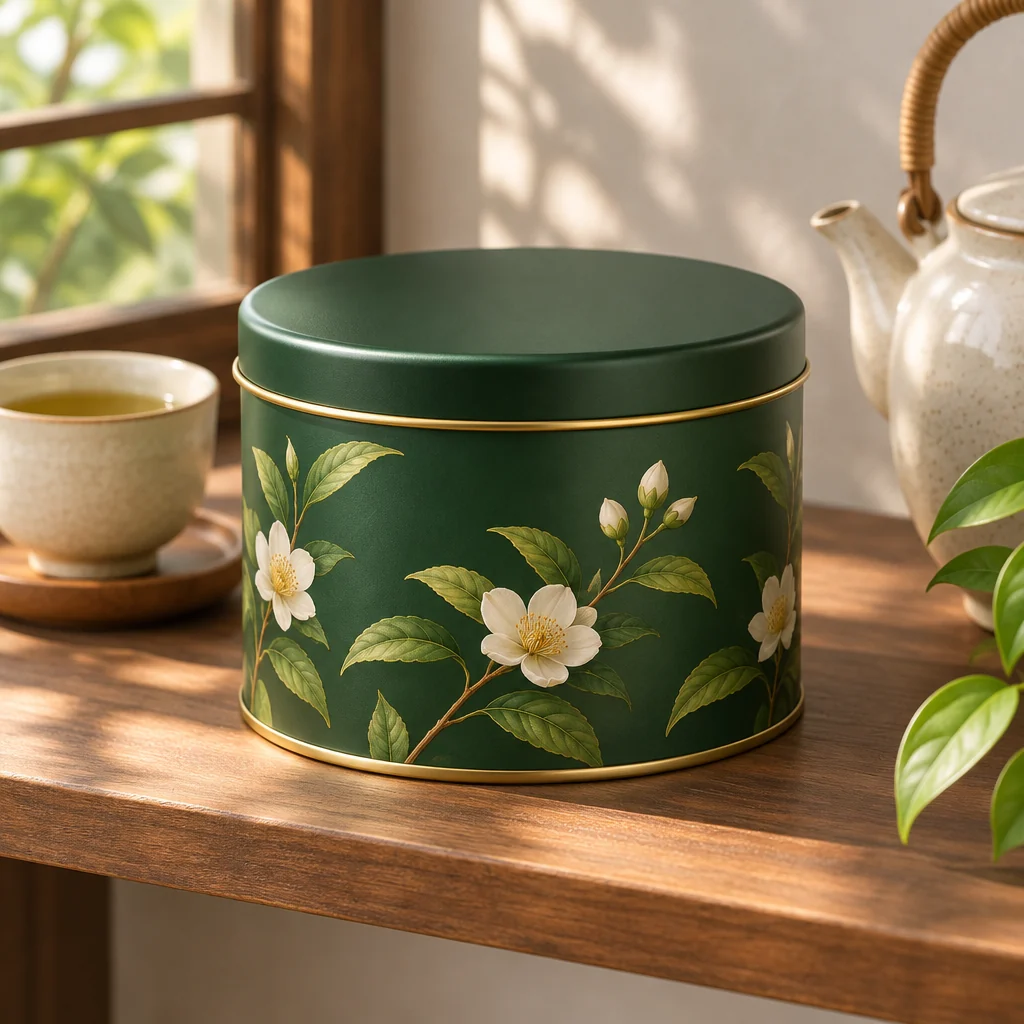
Try one of these prompts
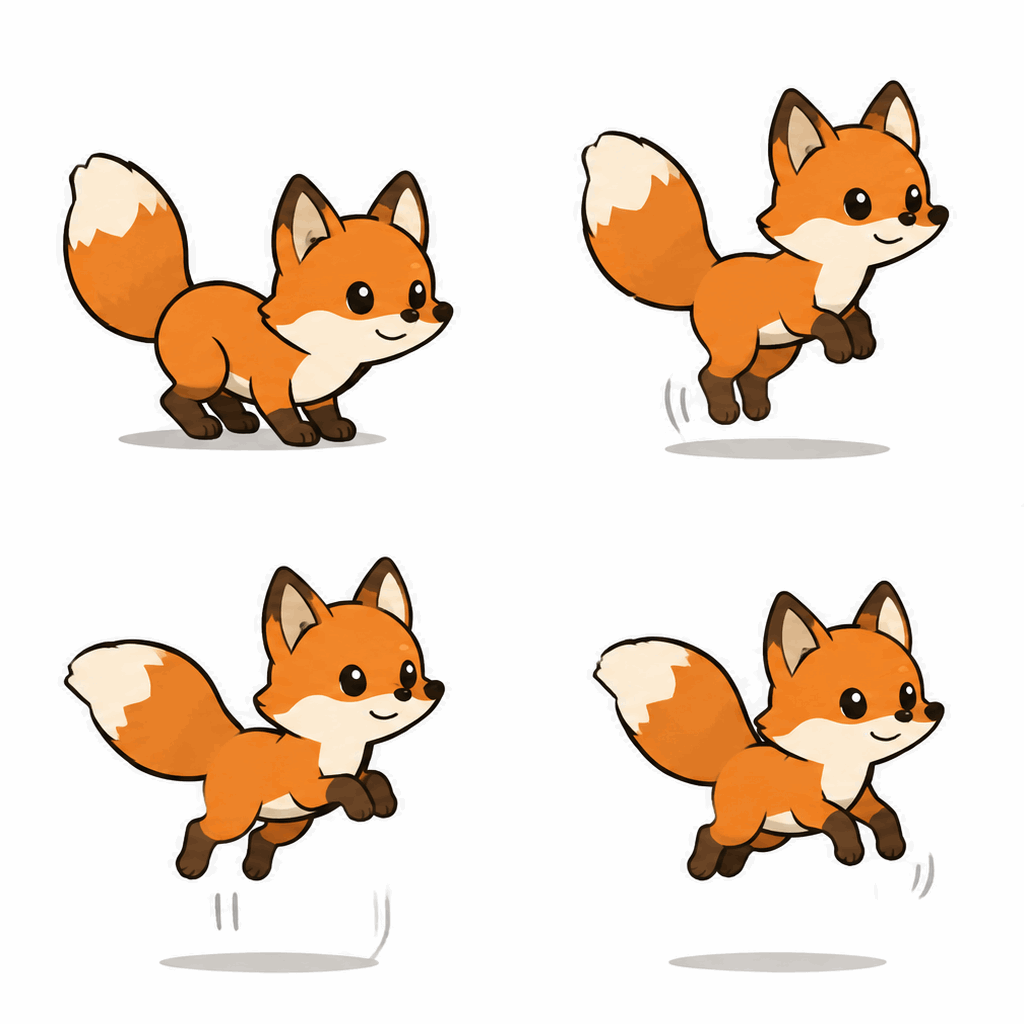

Rendered with GPT Image 2.6
GPT Image 2.6 pricing
Every GPT Image 2.6 price here is read from the rates that bill your account, at the moment the page loads. Per token, OpenAI prices 2.6 like 2.5, but its calculator counts 4.2 times the output tokens at low quality and 3.3 times at medium.
GPT Image 2.6 cost at each quality level
One 1024×1024 still image per row. Standard prices are per image; Official prices multiply OpenAI's calculator tokens by the live token rate.
| Category | gpt-image-2.6-flarePrice · 1 image | gpt-image-2.6-sunburstPrice · 1 image | gpt-image-2.6-flare-officialPrice · 1 image | gpt-image-2.6-sunburst-officialPrice · 1 image |
|---|---|---|---|---|
| low | $0.021 | $0.021 | $0.01859 | $0.01859 |
| medium | $0.021 | $0.021 | $0.03267 | $0.03267 |
| high | $0.021 | $0.021 | $0.03958 | $0.03958 |
| xhigh | $0.021 | $0.021 | $0.07031 | $0.07031 |
| max | $0.021 | $0.021 | $0.15811 | $0.15811 |
| auto (model picks) | $0.021 | $0.021 | $0.02039 | $0.02039 |
Output tokens at 1024×1024 from OpenAI's calculator: low 823, medium 1,449, high 1,756, xhigh 3,122, max 7,024. With auto, the model rendered 1312×1199 at low for 903 tokens. GIF and SVG cost depends on frames and the SVG writer, so they are not in this table.
Estimate a GPT Image 2.6 request
Only the token-billed Official IDs need an estimate. Set quality, size and count for a still image; the figure uses the live rate.
This is an estimate made before you submit. Your usage history shows what each task actually cost.
gpt-image-2.6-flare-official: Image output tokens $22.50 / 1M · Text input tokens $3.75 / 1M
gpt-image-2.6-sunburst-official: Image output tokens $22.50 / 1M · Text input tokens $3.75 / 1M
About GPT Image 2.6
GPT Image 2.6 is OpenAI's image model, released on November 4, 2026 in ChatGPT, Codex and the API as two models. Flare is built for fast iteration; OpenAI says it can return a low-quality image in about six seconds. Sunburst adds detail and keeps an image more consistent across rounds of edits.
Compared with GPT Image 2.5 it adds animated GIF output, SVG output, a complexity setting and markup-guided edits. On TokLab each model has a Standard route billed per image and an Official route billed per token.
Endpoint POST /v1/images/generations · Results via GET /v1/tasks/{id} · Up to 16 reference images · Mask or markup on the first reference · complexity low, medium or high · GIF with 2 to 16 frames · URL inputs only
Call GPT Image 2.6 from code or an agent
Both paths use the same endpoint, the same key and the same balance.
GPT Image 2.6 from your backend
Send JSON, keep the task ID and poll until the files are ready. Field names follow the OpenAI Images API, with URLs instead of uploads.
- 1Create an API key
- 2POST /v1/images/generations
- 3Poll GET /v1/tasks/{id}
- 4Copy output.data[].url to your storage
GPT Image 2.6 in Claude Code or Codex
Paste the prompt into your agent. It reads TOKLAB_API_KEY, shows you the request and its cost, and waits for your approval.
- 1Export TOKLAB_API_KEY in your shell
- 2Copy the prompt
- 3Fill in the subject and output format
- 4Approve the request it shows you
How a GPT Image 2.6 request works
One endpoint for stills, edits, GIFs and SVGs. Send JSON, get a task ID, collect the files when they are ready.
OpenAI field names
prompt, size, quality, n and background mean what they mean in the OpenAI Images API, and so do complexity, markup and the GIF frame fields.
A task, not a held connection
The POST returns an ID right away, so a long GIF or a GPT Image 2.6 render at max never holds your connection open.
Images go in as URLs
GPT Image 2.6 references, masks and markup overlays are image_url objects pointing at files you host.
Up to ten per call
Set n and every GPT Image 2.6 image comes back on one task, billed per image. An SVG request takes n = 1.
Usage on the task
Official GPT Image 2.6 tasks report their input and output tokens; an SVG adds svg_usage for the model that wrote it.
Prepaid, no expiry
One balance covers every model on TokLab, and unused credit stays.
What people make with GPT Image 2.6
Product shots
Generate the scene and keep the product. For several rounds of edits, GPT Image 2.6 Sunburst is the pick.
Icons and logos
SVG output gives you paths you can open, resize and recolour in a vector editor.
Targeted retouching
Circle the object on a markup overlay, say what to change, and leave the rest of the photo alone.
Reaction GIFs and stickers
Loop a mascot, a sticker or a reaction from one GPT Image 2.6 prompt with output_format set to gif.
Posters and covers
Headline type and busy layouts with complexity set to high, up to 3840 pixels wide.
Features in your app
Let users run GPT Image 2.6 inside your product, billed to your TokLab balance.
Your first GPT Image 2.6 image in four steps
- 01
Create a key
Make an API key in the console and keep it on your server.
- 02
Add credit
Top up from the minimum. Credit does not expire.
- 03
Send the request
POST a prompt and a GPT Image 2.6 model ID to /v1/images/generations. Set output_format to gif or svg for motion or vectors.
- 04
Collect the files
Poll /v1/tasks/{id}. When status is completed, the URLs are in output.data; download a GIF to keep its frames.
GPT Image 2.6 on TokLab at a glance
What you get on all four GPT Image 2.6 IDs.
- Billing
- Standard: set price per image. Official: input and output tokens, plus the SVG writer’s tokens for an SVG.
- Input
- Prompt plus up to 16 image URLs, and a mask or a markup overlay
- Output
- PNG or JPEG, animated GIF or SVG, transparent backgrounds supported
- Request format
- OpenAI Images API fields, async task
- Failed renders
- Not charged
Side-by-side columns for other image models appear once their pages are live.
GPT Image 2.6 limits to know before you build
Text still needs a check
OpenAI lists exact text placement and recurring characters as weak spots. Proofread small print, even at high complexity.
Masks and markup guide, they do not cut
Edges are not pixel-exact, so check the boundary on close-ups. An SVG request takes no reference images at all.
Result links are for delivery
Copy the GPT Image 2.6 files you keep into your own storage, and download a GIF to keep every frame.
No streaming
GPT Image 2.6 results arrive when the task ends. OpenAI says a complex prompt can take up to two minutes.
Why run GPT Image 2.6 on TokLab
One key for every model
GPT Image 2.6 shares one key, one task API and one set of error codes with every image, video and language model on TokLab.
Live prices
Every GPT Image 2.6 rate on this page comes from the billing ledger when the page loads.
No subscription
Pay per render. Credit never expires.
Failures cost nothing
A failed GPT Image 2.6 task, including a GIF or SVG that cannot be delivered, takes nothing from your balance.
Two ways to pay
Standard GPT Image 2.6 IDs have a set price per image. Official IDs bill tokens; an SVG also bills the model that writes it, at that model's TokLab rate.
Batches bill per image
n = 4 is four images. The prompt is counted once.
auto has no fixed price
With quality on auto the model picks the level, so set it yourself when cost matters. GIFs have no estimate before you run them.
Other image models
Image models with their own page on TokLab.
GPT Image 2.5 is OpenAI's image model, released as Flare and Sunburst: text to image and edits with up to 16 references, six quality levels, up to 3840 px.
View pricingGPT Image 2.6 guides
GPT Image 2.6 tests and walkthroughs.
GPT Image 2.6 FAQ
What is GPT Image 2.6?+
GPT Image 2.6 is OpenAI's image model from November 4, 2026, released as Flare and Sunburst. Both generate from text, edit your images, and can return an animated GIF or an SVG from the same request. On TokLab each has a Standard ID billed per image and an Official ID billed per token.
Which is better, GPT Image 2.6 Flare or Sunburst?+
Neither GPT Image 2.6 model wins everywhere. Flare is built for speed; OpenAI says it can finish in about six seconds at low quality. Sunburst adds detail and keeps the rest of an image intact across edits. Draft on Flare, then run the final edit on Sunburst.
How do I know whether I used Sunburst or Flare?+
You pick the GPT Image 2.6 model by ID, and nothing switches it for you. The task's model field and your usage history both record the ID that ran.
How much does GPT Image 2.6 cost per image?+
At low quality and 1024×1024, GPT Image 2.6 Flare costs $0.021 on the Standard route and about $0.01859 on the Official route at today's rates. OpenAI's list price for the same image is about $0.025, and Official prices climb steeply at xhigh and max.
Is GPT Image 2.6 free?+
Not on TokLab. GPT Image 2.6 is paid from prepaid credit, with no free credits. Failed renders are free, and credit never expires. In ChatGPT and Codex, OpenAI says Images 2.6 is on all subscription tiers.
When did GPT Image 2.6 come out?+
OpenAI released GPT Image 2.6 on November 4, 2026, in ChatGPT, Codex and the API on the same day, with Flare and Sunburst as separate API models.
What is the GPT Image 2.6 model ID?+
GPT Image 2.6 has no single ID. Use gpt-image-2.6-flare or gpt-image-2.6-sunburst, or add -official to either for token billing. A plain gpt-image-2.6 is not a model, so it is refused.
Can GPT Image 2.6 do image to image?+
Yes. Send up to 16 image URLs and GPT Image 2.6 edits them. To change one area, add a PNG mask, or a transparent markup overlay you drew on, the same size as the first image.
What is the GPT Image 2.6 max resolution?+
OpenAI has not published a size table for GPT Image 2.6 alone. TokLab applies GPT Image 2.5's limits to still images: both sides multiples of 16 and at most 3,840 pixels, 655,360 to 8,294,400 pixels in total, and a ratio between 1:3 and 3:1. GIF frames only need sides that are multiples of 16.
Does GPT Image 2.6 support transparent backgrounds?+
Yes. Send background: "transparent" with PNG, GIF or SVG output. GPT Image 2.6 rejects a transparent JPEG before anything is charged.
Can I run GPT Image 2.6 locally or in ComfyUI?+
No. OpenAI serves GPT Image 2.6 as a hosted model and has not released weights. A ComfyUI workflow can still call it through an API like this one.
How do I use GPT Image 2.6 in Codex?+
Run codex mcp add toklab --url https://api.toklab.ai/v1/mcp --bearer-token-env-var TOKLAB_API_KEY, start Codex with TOKLAB_API_KEY set, and ask for a GPT Image 2.6 image. The MCP guide covers Claude Code and Cursor too.
Make your first GPT Image 2.6 image
Try GPT Image 2.6 in the Playground on your own balance, then copy the same request into your code.