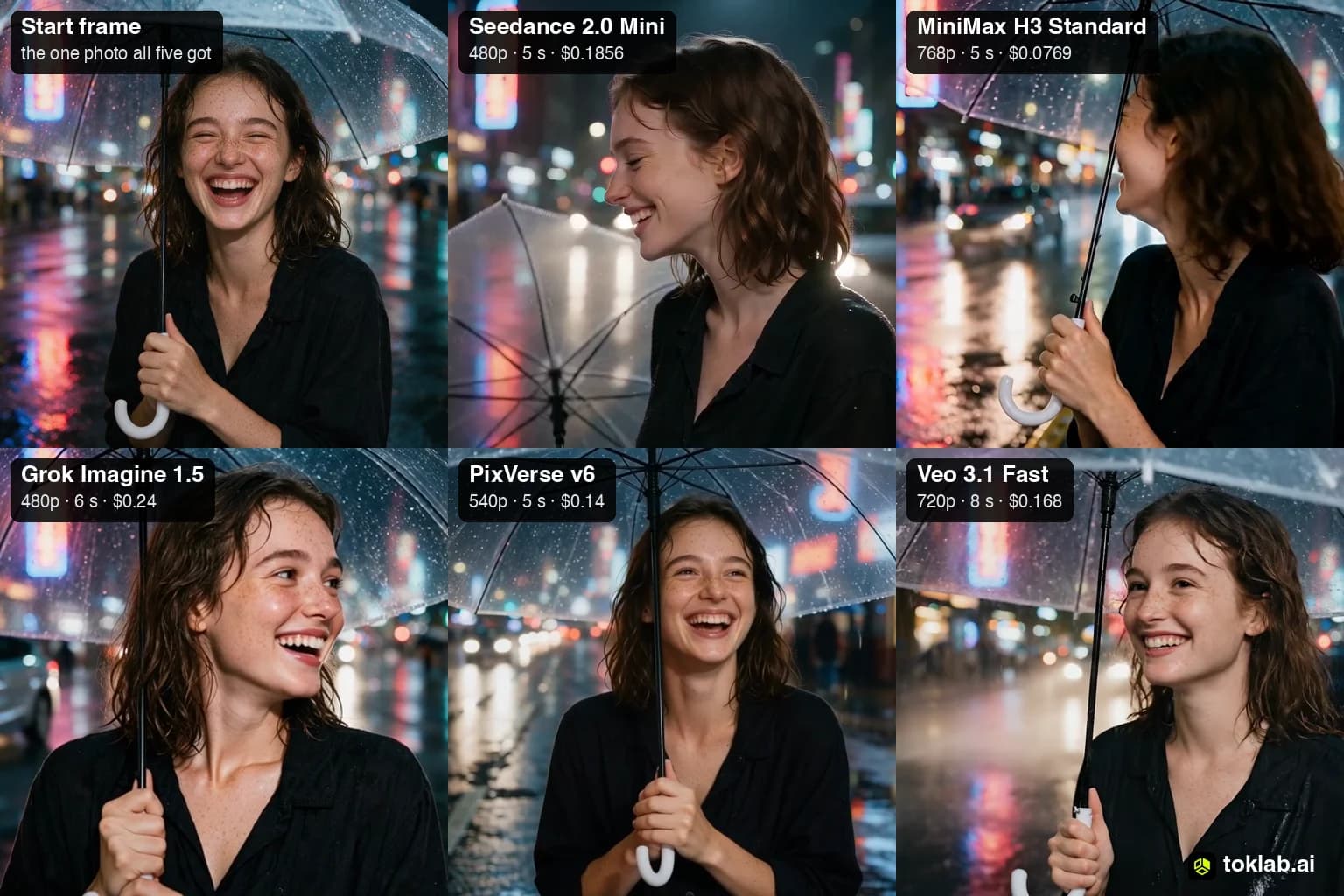
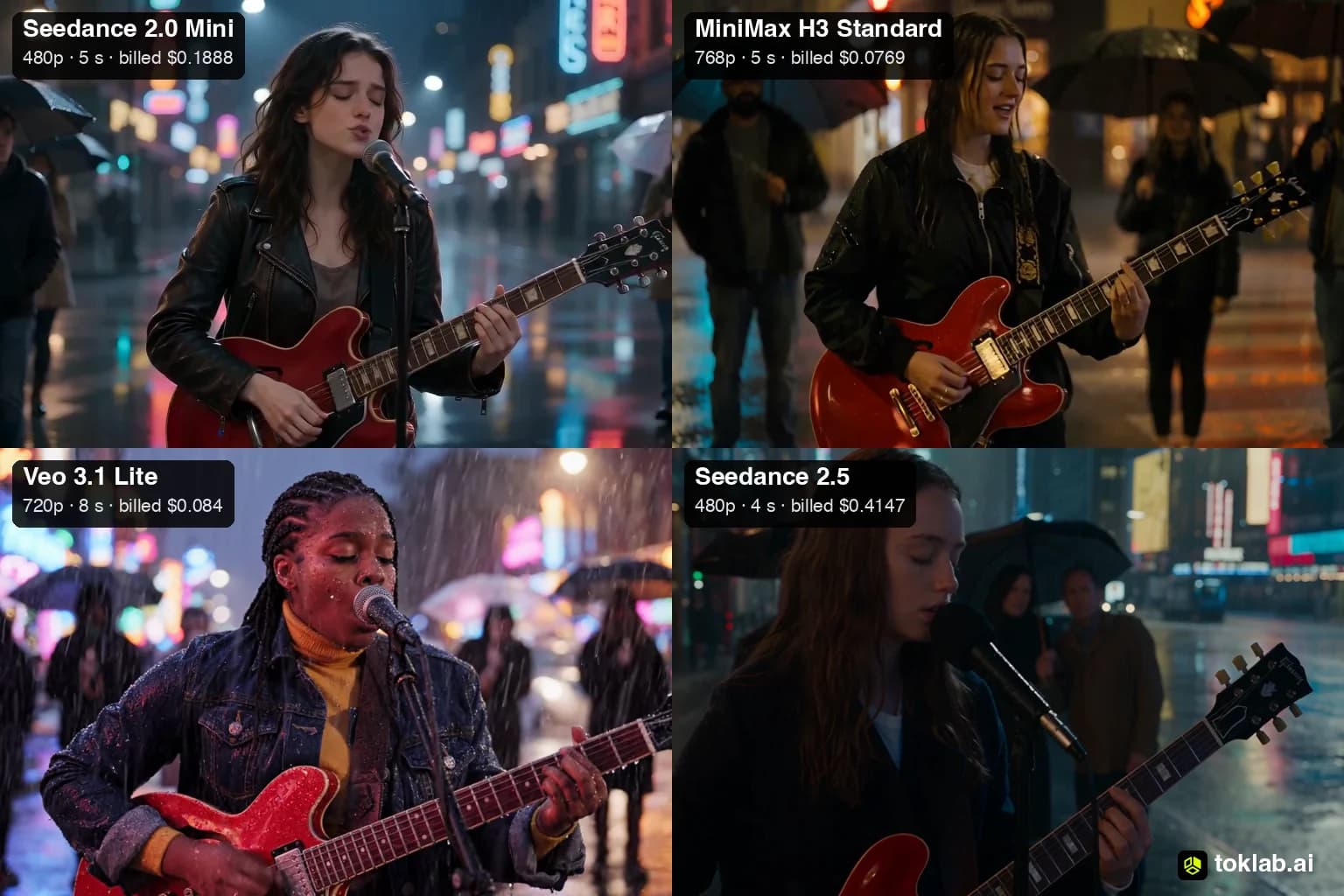
MiniMax H3 影片提示詞指南:運鏡語法、音效提示與四層模型選型
用六段式場記單精準執導 MiniMax H3 影片:掌握運鏡語法、6 秒/10 秒節奏、原生音效提示、畫面文字修補與 TokLab 四層定價。
以 Markdown 閱讀多數開發者操作 MiniMax H3 的方式,還停留在一年前寫影片提示詞的習慣:一句描述性長句、幾個光影形容詞,再加上一句模糊的「電影感緩慢推鏡」。生出來的畫面往往前兩秒精緻,第五秒開始失去動能,還會憑空冒出沒要求的背景音樂,並把場景裡任何看板都變成歪七扭八的偽字母。
MiniMax H3 要的不是詩意圖說,而是一份交給劇組的精簡分鏡表與音效場記單。由於影片影格與同步立體聲音效是在同一次推論中一併生成,凡是你留白的要素(第四秒之後的節奏、鏡頭是否鎖定、環境音場、畫面文字),模型都會用預設習慣幫你填滿。這份手冊完整拆解能穩定駕馭 MiniMax H3 的六段式提示詞結構、6 秒與 10 秒片段的節奏配置,以及如何在 TokLab 現有的四款 MiniMax H3 模型(minimax-h3-standard、minimax-h3-max-turbo、minimax-h3-max 與 minimax-h3)之間做出最划算的選型。
在 TokLab 上挑選合適的 MiniMax H3 層級
動手寫第一支 API 請求前,先把鏡頭需求對齊到 POST https://api.toklab.ai/v1/videos/generations 提供的四個 MiniMax H3 模型。它們在每秒單價、請求 schema、解析度階梯與參考素材支援四個維度上各有定位。上線前請一律到 TokLab 定價頁面與 模型目錄核對即時費率。
| TokLab 模型 ID | 起始費率 | 支援解析度 | 片長參數 | 參考素材支援 | 請求 schema 風格 |
|---|---|---|---|---|---|
minimax-h3-standard | $0.015385 / 秒 | 480p, 768p, 1080p, 2k, 4k | 5–15 秒(duration_s) | 首尾影格、最多 4 張參考圖、1 段參考影片 | 扁平 JSON(prompt、quality: low/high) |
minimax-h3-max-turbo | $0.02285 / 秒 | 480P, 768P | 5–15 秒(duration) | 僅純文字與首尾影格 | content[] 陣列+extra.prompt_expansion_mode |
minimax-h3-max | $0.04570 / 秒 | 480P, 768P | 5–15 秒(duration) | 首尾影格,或最多 9 張圖、3 段影片、3 段音訊 | content[] 陣列+extra.prompt_expansion_mode |
minimax-h3 | $0.073125 / 秒 | 768P, 2K | 4–15 秒(duration) | 首尾影格,或最多 9 張圖、3 段影片、3 段音訊 | content[] 陣列(嚴格原生 v2 合約) |
仔細對照這四列,因為選錯層級不是燒預算就是浪費開發時間:
- 原型試拍先用
minimax-h3-standard($0.015385/秒): 適合大量概念發想、需要seed(int64)固定重現,或低成本草稿。一支 6 秒短片起價不到十分美元($0.092),花不到一次 2K 旗艦鏡頭的錢就能測完三種運鏡方案。 - 純文生影或首尾影格補間求快,用
minimax-h3-max-turbo($0.02285/秒): 不需要多圖或音訊參考時速度優勢明顯。留意 Turbo 端點會在驗證階段拒收reference_image、video_url與audio_url項目。 - 需要多模態參考導引時,用
minimax-h3-max($0.04570/秒): 在 480P 或 768P 支援最多 9 張參考圖、3 段影片與 3 段音訊,並提供extra.prompt_expansion_mode(disabled、balanced或quality)。 - 最終主視覺鏡頭再升級到
minimax-h3($0.073125/秒): 鎖定原生 2K 細節、銳利字體排版或高保真多素材參考。記住minimax-h3前五張輸入參考圖不加收額外費用,但參考影片的秒數會計入總計費片長。
MiniMax H3 的六段式場記單結構
高成功率的 MiniMax H3 提示詞都共享同一套可複製骨架。無論提示詞只有 90 個英文詞(有參考圖撐腰)還是 280 個詞(純文字生成),把這六個關注點乾淨拆開就對了:
- 風格與媒材鎖定: 明確點出不可漂移的視覺媒材、鏡頭特性、配色與表面質感(例如「16mm 手持紀錄片底片、Kodak 500T 顆粒、低飽和鎢絲燈與青綠色調、自然平光膚色」)。
- 帶時間戳的節拍時間軸: 把片段切成每段 2 到 3 秒的明確節拍(
[0s-2s]、[2s-5s]、[5s-8s]),每一拍只放一個具體的物理動作,根治模型把單一構想硬拖滿十秒的「慢漂移」毛病。 - 運鏡編排(或明確鎖死鏡頭): 寫明機位架設、焦段、移動速度與轉場方式;如果不想要模型預設的緩慢推鏡,直接寫明「固定腳架、靜態中景、零變焦、零剪接」。
- 原生音效場記單: 列出環境底噪、帶時間戳的擬音(Foley)事件、用引號框住的對白與配樂樂器(或直接寫「無背景音樂」)。
- 逐字引號標註的畫面文字: 每一個要讓人讀清楚的字都用引號完整拼出並指定擺放位置。凡是籠統寫「HUD 標籤」、「路牌」的地方,都會退化成看似字母的雜訊貼圖。
- 負向約束清單: 直接禁止 H3 在缺乏約束時最愛偷加的失誤:柔焦疊化、憑空出現的字幕、多餘背景字樣、把 2D 插畫平滑成 3D,或突兀的透視跳變。
補上第 5 與第 6 段完全不增加半毛錢成本,因為 MiniMax H3 是按影片秒數計費而非按提示詞權杖計費(minimax-h3 最高支援 7,000 字元)。請把這段字數空間用好用滿。
真正管用的運鏡語法、鏡頭提示與打光詞彙
相較於「大師級」、「極致細節」這類空泛詞彙,MiniMax H3 對真實電影拍攝動詞與光學限制的服從度高得多。每個鏡頭配一個機位架設、一個方向動詞與一個光學線索:
- 鎖定機位控制:
Locked tripod, static wide shot, zero push-in, zero handheld sway, single continuous take.非常適合軟體介面示範、定格動畫循環、平面海報與冷面喜劇——任何一點鏡頭漂移都會毀掉節奏。 - 跟拍動態:
Low-angle dolly tracking alongside the runner at chest height, 35mm anamorphic lens, shallow depth of field, subtle lateral parallax.讓主角穩居畫面核心,前景物體則流暢掃過鏡頭。 - 受控揭示:
Starts on an extreme close-up of rain hitting brass espresso fittings; at 3s, smooth crane pull-back and tilt-up revealing the full corner cafe interior.給出精確時間戳,能防止鏡頭從第一格就偷跑拉遠。 - 快切與動作匹配轉場:
Hard cut on the snare hit at 4s; zero crossfades, zero soft dissolves.若不明確禁止柔焦疊化,H3 往往會把多拍鏡頭糊在一起,而不是俐落切換。
打光同理,直接描述光源位置、軟硬程度與色溫,永遠勝過情緒形容詞:「單盞頭頂鈉燈投下銳利向下陰影,伴隨濕瀝青地面反光」每次都比「有氛圍的夜晚光線」準確得多。
6 秒與 10 秒片段的節奏配置,避免中段漂移
片長直接決定一段影片能塞進幾拍而不會顯得倉促或混亂:
- 6 秒片段(2 拍,每拍 3 秒): 一拍鋪陳、一拍收尾。最適合產品主視覺亮相、社群前導鉤子、UI 微互動與 B-roll 過場。硬在 6 秒內塞四個鏡頭只會換來動態模糊與做一半的手勢。
- 10 秒片段(3 到 4 拍,每拍 2–3 秒): 鋪陳(
0s-3s)、升級(3s-6s)、轉折(6s-8.5s),以及收尾定格(8.5s-10s)。務必在最後留出 1 到 1.5 秒乾淨停頓,方便後續剪輯下刀。 - 首尾影格雙錨定: 只要 10 秒片段老是在最後兩秒走形,別再狂改形容詞了,直接同時傳入
first_frame與last_frame圖片(用 GPT Image 2.6 或 Kling Image 4.0 以完全相同的長寬比就能快速生成)。兩端鎖定後,提示詞只需專心指揮中間的動態與聲音走向。
跨 H3 層級的可執行 TokLab API 範例
由於 minimax-h3-standard 採扁平 JSON 酬載,而 minimax-h3、minimax-h3-max 與 minimax-h3-max-turbo 採 content[] 陣列合約,建議在整合封裝裡同時保留兩種結構。
範例 A:用 minimax-h3-standard 快速試拍 6 秒草稿
curl -sS https://api.toklab.ai/v1/videos/generations \
  -H "Authorization: Bearer $TOKLAB_API_KEY" \
  -H "Content-Type: application/json" \
  -d '{
    "model": "minimax-h3-standard",
    "prompt": "Macro studio tabletop film, 90mm lens, warm directional window light from camera left. [0s-3s] Matte black pour-over kettle tilts gently, pouring a thin steady arc of hot water over freshly ground dark coffee in a white ribbed ceramic dripper; coffee bloom rises with fine bubbles. [3s-6s] Slow 10-degree orbital glide around the glass carafe as dark amber espresso-toned liquid drips steadily into the base. Camera: ultra-smooth slider move, no cuts. Audio: crisp kettle pour, soft bubbling bloom, quiet morning kitchen room tone, no music. No on-screen text, no watermark.",
    "quality": "high",
    "resolution": "768p",
    "aspect_ratio": "16:9",
    "duration_s": 6
  }'
範例 B:用 minimax-h3 製作 10 秒 2K 首尾影格主視覺
使用 minimax-h3 時請記住兩條嚴格驗證規則:純文字請求必須指定明確的 ratio(不可傳 "adaptive"),且 first_frame / last_frame 不可與 reference_image、video_url 或 audio_url 混放在同一個 content[] 陣列裡。
curl -sS https://api.toklab.ai/v1/videos/generations \
  -H "Authorization: Bearer $TOKLAB_API_KEY" \
  -H "Content-Type: application/json" \
  -d '{
    "model": "minimax-h3",
    "resolution": "2K",
    "duration": 10,
    "ratio": "16:9",
    "content": [
      {
        "type": "image_url",
        "role": "first_frame",
        "image_url": { "url": "https://cdn.example.com/shots/desk-start.png" }
      },
      {
        "type": "image_url",
        "role": "last_frame",
        "image_url": { "url": "https://cdn.example.com/shots/desk-end.png" }
      },
      {
        "type": "text",
        "text": "2D hand-inked architectural illustration brought to life, preserving original watercolor paper grain and fine black ink outlines in every frame. Do not smooth into 3D. [0s-3s] Drafting table remains still while afternoon sunlight slowly shifts across the paper and a brass desk lamp flickers on. [3s-7s] Ink blueprint lines draw themselves smoothly across the center sheet, forming a clean pavilion elevation. [7s-10s] Final title stamps cleanly at lower right reading \"STUDIO NORTH\" and holds completely steady. Camera: locked overhead tripod, zero zoom, zero cuts. Audio: soft pencil-on-vellum scratching from 3s to 7s, crisp paper rustle at 7.5s, warm quiet room tone, no music. Do not misspell \"STUDIO NORTH\", do not add subtitles or extra words."
      }
    ]
  }'
四套可直接複製套用的 MiniMax H3 提示詞公式
公式 1:互動式軟體介面示範(動詞優先於形容詞)
用「簡潔未來感 UI」這類形容詞生出來的介面畫面往往顯得很假。改用具體的使用者操作與介面動詞來推動畫面,效果會紮實許多。
Clean flat-on desktop screen recording aesthetic, 16:9 framing, razor-sharp crisp UI typography on a light #F8FAFC canvas.
[0s-2.5s] Static view of a pricing dashboard showing two plan cards labeled "STARTER" and "PRO"; a crisp black cursor glides smoothly from bottom right to the billing toggle labeled "ANNUAL".
[2.5s-5s] Cursor clicks "ANNUAL"; the toggle snaps blue, numbers flip cleanly to "$29/mo" and "$79/mo", and a subtle emerald badge reading "SAVE 20%" fades in beside the toggle.
[5s-8s] Smooth vertical scroll down revealing a comparison table with crisp checkmarks, slowing to a dead stop at 7.2s.
Camera: Locked flat capture, zero perspective tilt, zero screen glare, zero camera wobble.
Audio: Soft mechanical mouse click at 2.6s, subtle crisp UI chime at 3.0s, quiet ambient silence otherwise. No music, no voiceover, no invented text outside the quoted strings.
公式 2:搭配 reference_image 幫角色切換場景
在 minimax-h3 或 minimax-h3-max 使用 reference_image 時,讓參考圖負責鎖定角色外貌與色盤,文字提示詞則專注描述新空間、打光與音場。
Image 1 is the exact character and wardrobe reference: preserve the same young courier, faded yellow rain shell, canvas messenger bag, and realistic film-grain texture.
[0s-4s] He steps inside a dimly lit late-night laundromat out of heavy rain, shaking water droplets off his hood beside a row of humming stainless-steel dryers.
[4s-8s] He pulls a taped parcel from his bag, sets it on the folding counter, and glances toward the fogged storefront window as red brake lights sweep past outside.
Camera: Handheld 35mm shoulder-level medium shot, subtle natural breathing motion, no cuts.
Audio: Door chime at 0.5s, steady rhythmic tumbler hum from dryers, rain muffled against glass, nylon jacket rustle. No background music, no subtitles, no extra characters.
公式 3:嚴格字體控制的動態片頭卡
10-second 16:9 neo-noir graphic title sequence inspired by mid-century screenprint cinema titles: bold charcoal, off-white, and crimson geometric blocks, coarse paper grain, hard graphic shadows.
[0s-3s] Diagonal crimson light wipe reveals a silhouetted subway escalator descending steeply; bold condensed uppercase title appears center-left reading "NIGHT SHIFT".
[3s-6s] Hard graphic split-screen cut: left panel shows rain streaking across a train window, right panel stamps clean white credit text reading "DIRECTED BY ELENA SATO".
[6s-10s] Full-frame wipe to textured matte black card holding both "NIGHT SHIFT" and smaller bottom line "FALL 2026" completely still.
Camera: Graphic flat-plane transitions only, hard cuts on the beat, zero soft dissolves.
Audio: Dry upright jazz bass pulse enters at 0s, crisp brushed snare enters at 3s, single muted trumpet chord swells at 6.5s and cuts clean at 9.5s. Do not repeat credits, do not misspell any quoted words, do not add extra text.
公式 4:實拍結合手繪角色(以負向約束守住風格)
Handheld smartphone evening footage of a quiet home kitchen counter lit by a warm under-cabinet LED strip, natural phone sensor grain and realistic lens focus.
[0s-4s] A tiny 8-centimeter hand-drawn white chalk spirit sits calmly beside a ceramic teapot, swinging its legs gently as faint warm steam curls upward.
[4s-8s] The chalk spirit hops lightly onto the wooden coaster, taps the side of the teapot twice, and curls up peacefully.
Camera: Natural slight handheld phone sway, continuous single take, no cuts, no zoom.
Audio: Quiet refrigerator hum, gentle kettle cooling ticks, two tiny wooden tap sounds at 5.5s. No music, no voiceover.
Constraints: Keep the chalk creature gentle and minimalist—no oversized creepy eyes, no sharp teeth, no sudden jumps, no horror lighting, no 3D glossy rendering on the drawn character, no subtitles.渲染後品管、prompt_expansion_mode 與商業交付防線
當一支 MiniMax H3 成品不如預期時,忍住把整段提示詞砍掉重寫的衝動,把成品當成結構化品管檢查,直接對應回你的六段場記單:
- 先檢查第 1 段(風格鎖定)。 如果 2D 插畫到了第六秒逐漸變得光滑或長出 3D 光澤,代表開頭媒材鎖定不夠硬。在動時間軸之前,先補上明確禁令(「保留平面手繪墨線,禁止平滑成 3D,禁止加入體積高光」)。
- 用
ffprobe檢查第 5 段(畫面文字)與音軌。 確認每組引號字串都乾淨呈現且無多餘背景亂碼,同時檢查輸出容器的實際尺寸與音訊串流。做first_frame圖生影任務時,來源圖的長寬比會強力錨定輸出幾何,務必在上傳前先把first_frame與last_frame都裁成精確目標比例,補間才不會變形。 - 場記單寫得很緊時,關掉提示詞擴寫。 在
minimax-h3-max與minimax-h3-max-turbo上,extra.prompt_expansion_mode支援disabled、balanced或quality。只丟一句簡短想法時擴寫很方便,但當你已經寫好帶時間戳、嚴格負向約束與逐字引號的六段場記單,請設定"prompt_expansion_mode": "disabled",免得上游改寫器稀釋你的排除條件或塞進多餘雜物。 - 交付客戶前守住智財與肖像權紅線。 TokLab 預設開啟
content_filter: true,會在派往上游前先審核提示詞文字、輸入圖片與參考影片影格。就算只是內部測試創意概念或迷因轉場,商業交付物也請避開可辨識的真實人物、註冊商標或受版權保護的漫畫影格。先用 GPT Image 2.6 或 Kling Image 4.0 生成原創關鍵影格,才不會在衝刺中途被審核擋下。
MiniMax H3 管線的實務成本紀律
既然四個 MiniMax H3 層級全部嚴格按影片秒數計費,三個日常習慣立刻就能壓低月費:
- 在
minimax-h3-standard用 5–6 秒反覆微調,定案後再上minimax-h3跑 10–15 秒。 打光、構圖、混音與運鏡節奏在前五秒就見分曉,千萬別拿 2K 15 秒來除錯提示詞。 - 善用
last_frame消滅結尾重試。 浪費掉的影片生成大多死在最後兩秒的角色漂移或動作卡住。先給一張乾淨的last_frame,還沒花半格的錢就把終點鎖穩了。 - 批次排程前先檢查
content_filter與媒體邊界。 在minimax-h3上,每張輸入圖片或影片的長寬都必須介於 256–5760 px、長寬比介於 0.4–2.5,參考影片與音訊片段各自須為 2–15 秒(合計不超過 15 秒)。在用戶端先驗證媒體中繼資料,就能避免整批工作被拒收。
當你準備好拿同一把 API 金鑰把 MiniMax H3 和其他影片模型同台比較時,可以到 TokLab 定價頁面查看即時每秒費率,或到 TokLab 模型目錄瀏覽所有影片模型 ID。