The 7 best AI video generators in 2026, tested on one rainy street
Seven AI video models, one prompt: a street musician in the rain. What each clip got right and wrong, its sound, render time and real cost, model by model.
Read as MarkdownTyping a sentence and getting back a clip with rain, neon and a soundtrack still feels a little absurd. The trouble starts when you need a specific shot. One model gives you a crowd, another forgets the crowd, a third cuts to a close-up you never asked for, and the bill for each attempt is different.
To see how much the model matters, we picked one scene and sent it to seven AI video models on November 4, 2026: a street musician with a red guitar, singing on a rainy corner while people stop to listen, with a slow push-in toward her. The seven clips cost $1.5477 together.
Below you'll find one section per model: what came back, what it got wrong, how long it took and what it cost. We make TokLab, the API all seven clips ran through, so read the prices with that in mind. Wan 3.0, which tops the public leaderboard, isn't sold on TokLab and isn't in the test; it's covered near the end.
How we compared them
Every model got this prompt, word for word:
"A young woman street musician with a red electric guitar plays and sings on a rainy evening street corner while a few passers-by stop under umbrellas to listen, neon reflections on the wet pavement, slow push-in toward her, natural sound of rain and her guitar."
Each one rendered once, at 16:9 and the cheapest resolution that still shows the scene. We kept the first result. The only retry was Grok Imagine, which turned down a 5-second request because its shortest clip is 6 seconds; that refusal wasn't charged.
Here's what we looked for in each clip:
- The crowd. The prompt asks for passers-by who stop. Walking past doesn't count.
- The camera. "Slow push-in" is a plain instruction. Either the camera moves toward her or it doesn't.
- Sound. Whether audio came back at the model's default settings, and how loud it was.
- Cost and wait. The exact charge, and the time from submitting the job to getting the file.
For a second opinion we used the Artificial Analysis Video Arena, where viewers vote blind between pairs of clips. Its scores are Elo ratings; higher means viewers preferred that model more often.
The best AI video generators at a glance
| Model | Best for | Our clip | Billed | Arena Elo |
|---|---|---|---|---|
| Seedance 2.5 | the most cinematic shot | 480p, 4 s | $0.414744 | 1155 |
| Seedance 2.0 Mini | a detailed singer at half the price | 480p, 5 s | $0.18883 | 1136 (2.0) |
| MiniMax H3 Standard | cheap drafts with a real crowd | 768p, 5 s | $0.076926 | 1160 (H3, 768p) |
| Veo 3.1 Lite | the most complete clip for the money | 720p, 8 s | $0.084 | 951 |
| Grok Imagine Video 1.5 | atmosphere and street detail | 480p, 6 s | $0.24 | 1058 |
| PixVerse v6 | clips that look already edited | 540p (1024×576), 5 s | $0.14 | 981 |
| Kling 3.0 std | keeping one character across clips | 720p, 5 s | $0.4032 | 1000 (Pro) |
Source: charges are what TokLab billed per clip on November 4, 2026. Elo is the Artificial Analysis text-to-video leaderboard on the same day; where it scores a different tier than the one we rendered, the tier is in brackets.
The best AI video generator for cinematic shots
Seedance 2.5
| What worked | What didn't |
|---|---|
| The most film-like framing of the seven | The most expensive clip in the test, and the shortest |
| Followed the push-in smoothly | Its soundtrack was barely audible |
| Renders up to 30 seconds in one pass |
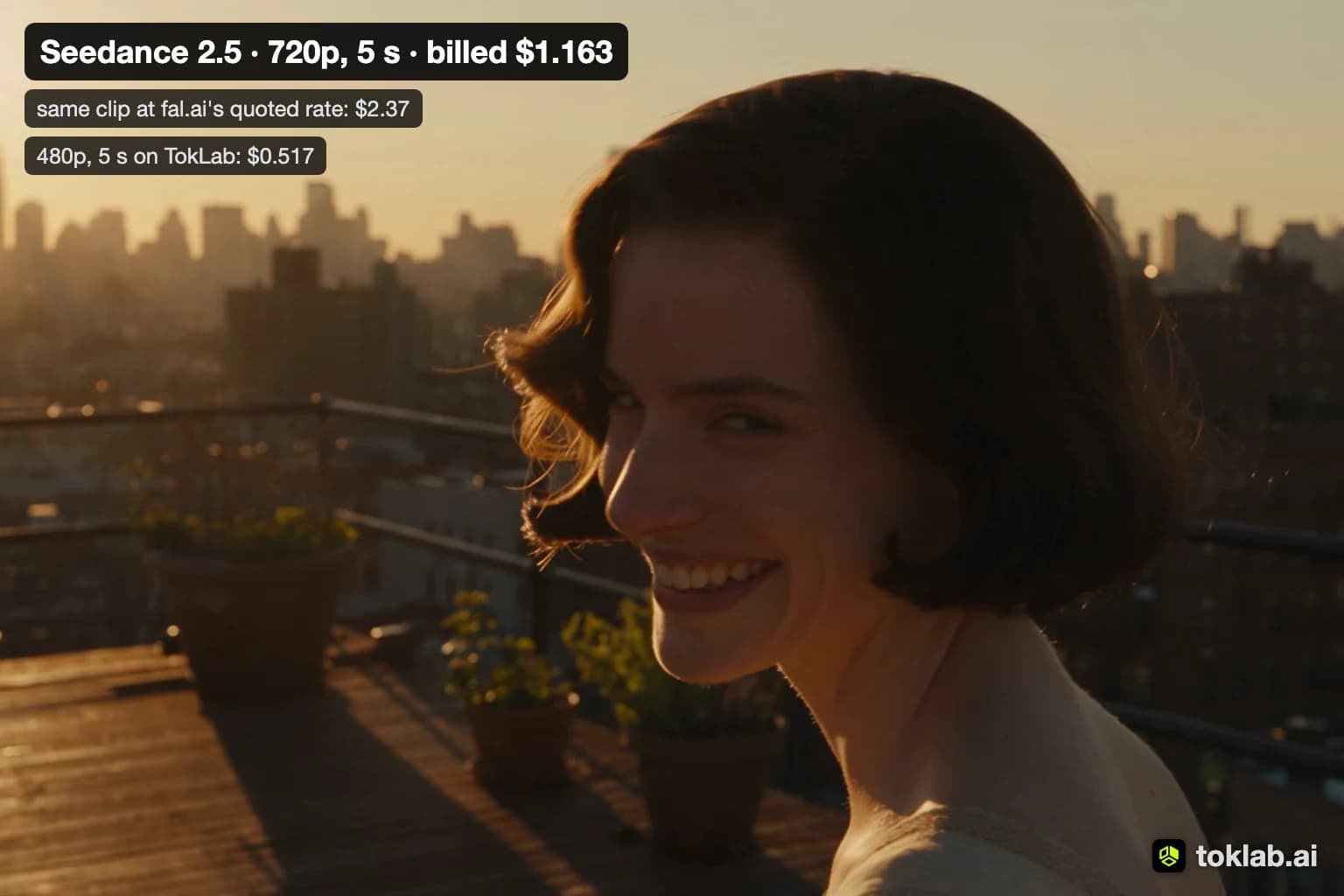
Seedance 2.5 went in close from the first frame. The singer fills the left half of the shot, two listeners stand right behind her under one umbrella, and the street behind them is a blur of signs and wet light. As the clip runs, the camera keeps creeping in until the microphone and her face take over. It looks like a still from a music video, which is roughly what the prompt describes.
The weak part was the audio. The track averaged −35.6 dBFS, close to background level, so you can hear rain but very little guitar. If sound matters, plan on adding it in the edit or raising it a lot.
It's also slow and expensive at this size. We asked for 4 seconds, its shortest clip, to keep the cost down; at 480p it took about two and a half minutes and cost $0.414744, more than five MiniMax H3 clips. On Reddit it has fans anyway. In an r/generativeAI thread that ranked ten models, the top reply read: "Seedance 2.5 is god. Seedance 2.0 is god jr. Kling is maybe a distant third."
Seedance 2.5 price: $0.414744 for 4 seconds at 480p on TokLab. ByteDance's Dreamina app also runs it, with a free tier.
The best AI video generator for detailed people
Seedance 2.0 Mini
| What worked | What didn't |
|---|---|
| The most detailed singer in the test: hair, jacket, the guitar's binding | Its passers-by keep walking instead of stopping |
| Less than half the price of Seedance 2.5 | |
Sound came back with generate_audio on |
Seedance 2.0 Mini gave us the best-looking performer. She's in a leather jacket, singing into a microphone on a stand, with a small amp at her feet, and her expression changes from line to line. The street behind her has the neon and the reflections the prompt asked for.
The crowd is where it slips. People with umbrellas walk through the background, but nobody stops to listen. The push-in is there, steady and slow.
It came back in about 100 seconds. Sound is controlled by the generate_audio flag, which we switched on; with it off you get a silent clip. Seedance 2.0 runs up to 15 seconds and up to 1080p, so a draft at 480p can be re-rendered at a higher resolution once the prompt works.
Seedance 2.0 Mini price: $0.18883 for 5 seconds at 480p with audio.
The best AI video generator for cheap drafts
MiniMax H3 Standard
| What worked | What didn't |
|---|---|
| The cheapest clip in the test, under eight cents | The leaderboard score belongs to a pricier tier |
| The best crowd: listeners stopped and facing her | |
| The loudest, clearest soundtrack |
This is the clip that did the most of what the prompt said. Seven or eight people stand in a loose half-circle under umbrellas, all facing the singer, with warm shop lights behind them. The camera pushes in gently. The audio averaged −9.5 dBFS, the loudest of the seven, and you can pick out the guitar over the rain.
It cost $0.076926 for 5 seconds at 768p and took about 97 seconds. At that price a dozen variations of one prompt cost less than a dollar, which makes it the model we'd use to work out a shot before paying for a final render.
One caveat on the scores: the leaderboard's MiniMax H3 (768p) entry, at 1160, is priced like TokLab's H3 Pro, not the cheaper Standard tier we rendered. Standard may score lower. MiniMax H3 runs up to 15 seconds a clip.
MiniMax H3 Standard price: $0.076926 for 5 seconds at 768p with sound.
The best AI video generator for the money
Veo 3.1 Lite
| What worked | What didn't |
|---|---|
| 8 seconds at 720p for $0.084 | Every clip is 8 seconds, no shorter and no longer |
| Crowd, push-in and sound, all in one clip | Near the bottom of the leaderboard |
Veo 3.1 Lite is the clearest case of the leaderboard and our test disagreeing. It scores 951, lower than every other model here, yet it returned one of the most complete clips. Heavy rain streaks through the light, a row of people with clear umbrellas stands behind the singer, an amp sits at her feet, and the camera moves in. The soundtrack came back without any extra setting.
The prompt asked for a young woman but didn't describe her looks, and Veo cast a different woman from the other six models: braids, an orange turtleneck under a denim jacket. If you need a specific look, describe it.
Clip length is fixed. Veo 3.1 Lite, Fast and Quality each make 8-second clips, so a half-minute video means joining four of them and trimming the last. Ours took a little over two minutes.
Veo 3.1 Lite price: $0.084 per 8-second clip at 720p.
The best AI video generator for atmosphere
Grok Imagine Video 1.5
| What worked | What didn't |
|---|---|
| A convincing rainy night: wet asphalt, streetlights, red signal glow | Its passers-by walk away from her |
| Adds believable street details on its own | Almost no camera movement |
| Clips start at 6 seconds |
Grok Imagine built the most specific street. There's a "W 4TH ST" sign on the corner, a "LIVE MUSIC EVERY WEEK" poster on the wall, and traffic lights reflecting in the puddles. None of that was in the prompt. If you want a lived-in location, that's a plus; if you need a clean background for your own text, it's something to remove.
It handled the people less well. The two figures under umbrellas walk down the street away from her, so the scene reads as someone busking to an empty corner. The push-in is slight enough that you have to look for it.
Grok's shortest clip is 6 seconds, which is why our 5-second request was refused and resubmitted. It took about two and a half minutes and came back with sound.
Grok Imagine Video 1.5 price: $0.24 for 6 seconds at 480p.
The best AI video generator for edited-looking clips
PixVerse v6
| What worked | What didn't |
|---|---|
| Cuts between shots inside one clip | Ignored the push-in |
| The fastest render in the test, about a minute | Silent unless you pay for audio |
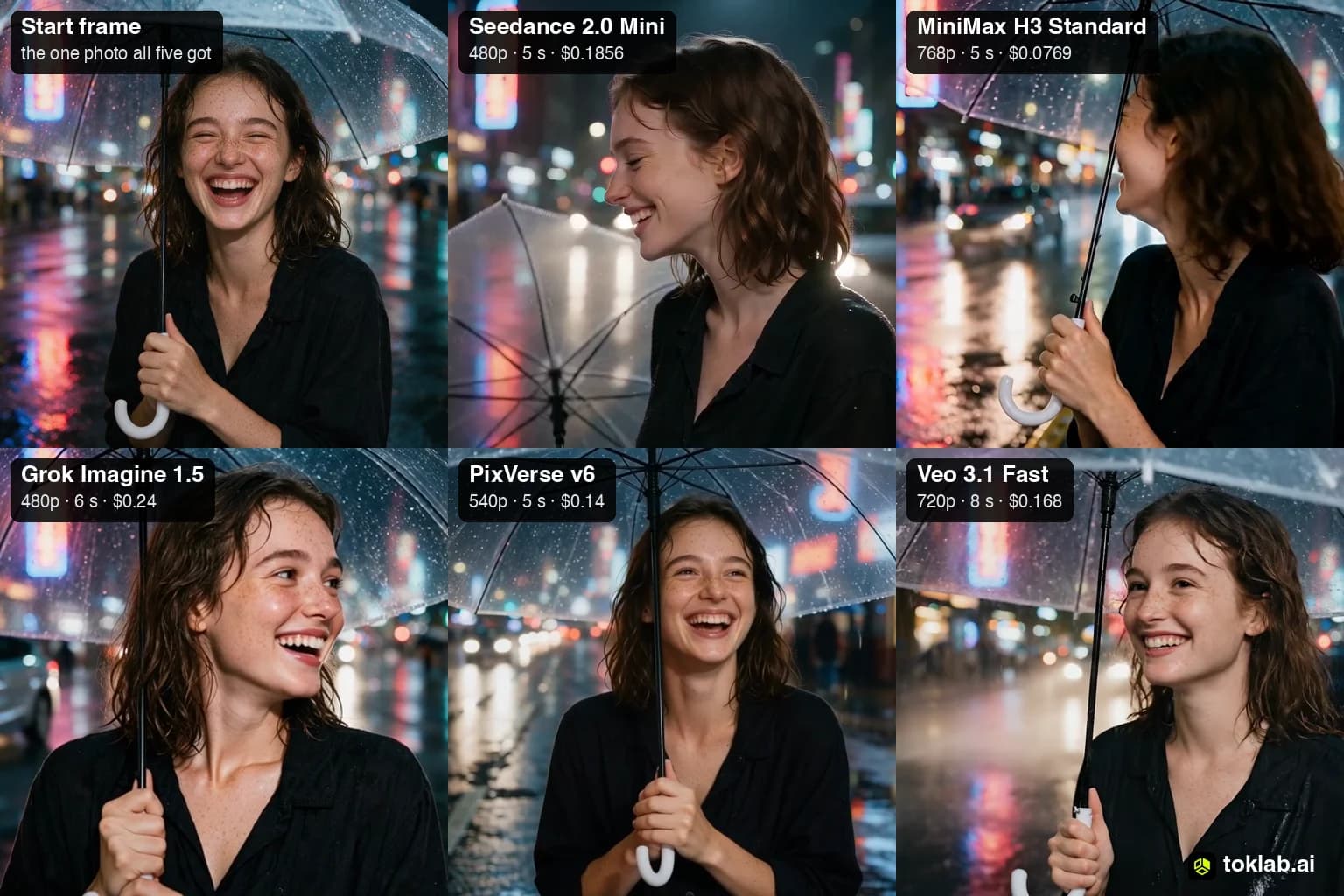
PixVerse v6 did something none of the others did: it edited. The clip opens on a wide shot of the singer at the microphone, cuts to her face in profile with rain on her hair, then cuts to a close-up of her hand on the guitar. It looks like a short music promo.
It isn't what we asked for. The prompt wanted one slow push-in, and if you're building a sequence yourself, a clip that already contains cuts is harder to use. For a social post where you want energy in five seconds, it may be exactly right.
There's no sound because audio is a separate option on PixVerse and costs more; we left it off. It rendered in about 64 seconds, the quickest of the seven. PixVerse v6 runs up to 15 seconds.
PixVerse v6 price: $0.14 for 5 seconds at the 540p setting, without audio. The file it returned is 1024×576.
The best AI video generator for reusing a character
Kling 3.0
| What worked | What didn't |
|---|---|
| Reusable elements let you keep one character across clips | A static camera, with no push-in |
| Bright, clean colours | Silent by default |
| One of the most expensive clips here |
Kling 3.0's clip looks staged. The singer, in a denim jacket, stands in front of a neon-lit shopfront, and the listeners stand in an even line along the wall with matching umbrellas, as if they're waiting for a photo. The camera doesn't move.
There was no sound because Kling's sound setting is off by default. With it on, check the price before you compare.
The reason to pick Kling is continuity. Its elements feature lets you save a character and reuse it in later clips, which matters more for a series than any single shot. Reddit users also mention it as a fallback: one reply in the same r/generativeAI thread said they use Seedance for everything and switch to Kling 3.0 "the moment I get hit by a Celebrity / IP error." Kling 3.0 runs up to 15 seconds, and the newer Kling 4.0 up to 30.
Kling 3.0 price: $0.4032 for 5 seconds at 720p, standard mode, without sound.
Other AI video models worth watching
Wan 3.0 leads the Artificial Analysis text-to-video board at 1172, ahead of Utopai X, MiniMax H3, FLUX 3 Max and Seedance 2.5. It isn't on TokLab, so it isn't in this test.
Kling 4.0 renders up to 30 seconds in one pass, like Seedance 2.5, but wasn't on the leaderboard yet when we checked.
Open-weight models are the ones you can run on your own GPU. The models usually called open source are, strictly, open-weight: the weights are published under licences that vary. The ones fluence.ai lists include Wan2.2, HunyuanVideo-1.5, LTX-2, CogVideoX1.5 and Mochi 1. You'll be sizing and paying for the GPU yourself, which only makes sense if you render a lot.
An r/generativeAI post that ranked ten models put Adobe Firefly, Veo 3.1 and Luma Ray at the top, though its author said the test credits came through a partnership with Adobe. Most of the replies argued for Seedance instead.
AI video apps we didn't test
Some of the best-known names in AI video are apps with their own models and credit systems. We didn't render with them for this test, so here is what their pricing pages said on November 4, 2026:
Runway has a free plan with 125 one-time credits. Its Standard plan costs $15 a month, or $12 billed yearly, for 625 credits, which Runway says buys 52 seconds of its Gen-4.5 model.
Luma sells its Ray models through plans that start at $30 a month for 10,000 credits, with no free plan on its pricing page. A 5-second 720p clip costs 100 credits.
Adobe Firefly includes video generation in its image plans: Firefly Standard, at US$9.99 a month, covers up to 20 five-second videos.
Is there a free AI video generator?
Yes, but only for trying a model, not for producing with it. Free tiers usually cap length, resolution or the number of clips a day, and they change often. ByteDance's Dreamina, for one, offers Seedance with a free allowance. For seven test clips, the paid route here cost $1.5477 in total, which is a useful number to hold against a monthly subscription.
FAQ
What is the best AI video generator right now?
On the Artificial Analysis leaderboard, Wan 3.0. Among the seven models in this test, MiniMax H3 Standard followed the prompt most closely for the least money, Seedance 2.5 gave the most cinematic shot, and Veo 3.1 Lite delivered the most complete 8-second clip under a dime.
Which AI video generator makes the longest videos?
Seedance 2.5 and Kling 4.0, at up to 30 seconds in one pass. For a one-minute YouTube video you'll join several clips; a model that accepts a first frame makes the shots easier to match.
Which AI video generators include sound?
In this test, Seedance 2.5 and Seedance 2.0 Mini (with generate_audio on), MiniMax H3 Standard, Grok Imagine Video 1.5 and Veo 3.1 Lite returned audio. Kling 3.0 and PixVerse v6 need it switched on. Current TokLab rates for every model are on the pricing page.